
Start with your company setup.
Prepare your logo, quote and invoice examples, rates and project numbering. On Pro, onboarding includes branded templates and account setup so the office can work with familiar information.
SWITCHING / SETUP AND TRAINING
Bring your existing process to the demo. We will look at your customers, live jobs and documents, then agree what needs to be ready for the office and gangs.
Prepare your logo, quote and invoice examples, rates and project numbering. On Pro, onboarding includes branded templates and account setup so the office can work with familiar information.
Share your spreadsheets or exports with the team. Built-in importers support customer and live-job records; review the source data and the records you want to bring over before the import.
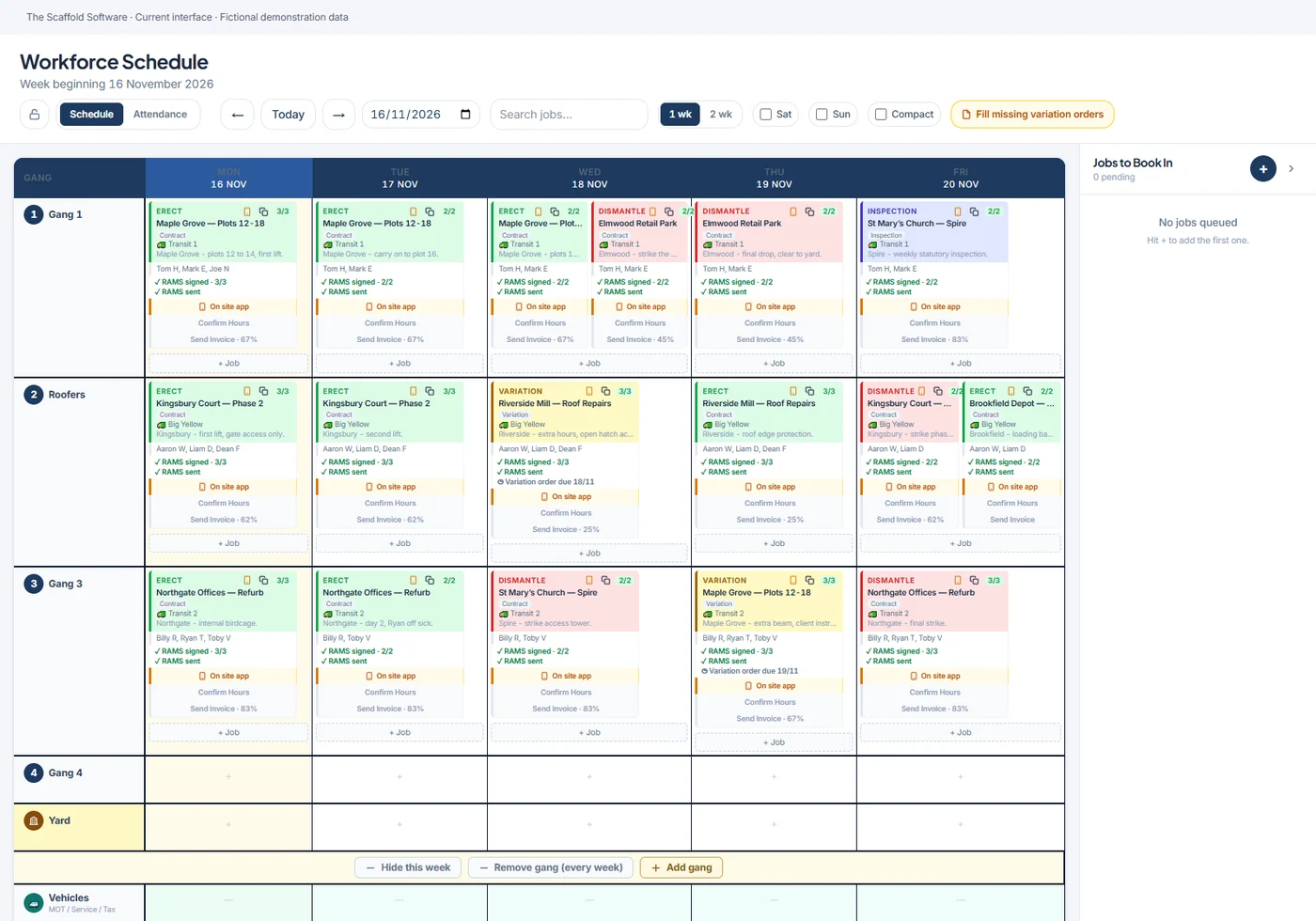
Pro onboarding includes live staff training covering quoting, scheduling, claims and invoicing, with a recording for replay. Show the gangs the site workflows they will use and agree who maintains the office records.
Decide which jobs to start with, who checks the imported records and how the first billing review will work. Pro includes 30 days of priority go-live support. Basic has no onboarding fee; discuss the support included in your chosen package.
SEE THE WORKFLOW
Choose a one-hour Teams demo and ask us to focus on the work your firm needs to do.
7-day management trial · 3-day standalone 3D trial · No card needed · Access set up by our team