
THE CONNECTED JOB
From the first enquiry
to the final invoice.
Follow the information through each stage. See the screens, explore the detail and choose the part you want to see in a live demo.
01 / ENQUIRY & ESTIMATE
Start with the scope.
Capture the customer, site and proposed work. Build the estimate from the job requirements and your rates, keeping the assumptions where the next person can find them.
Explore estimating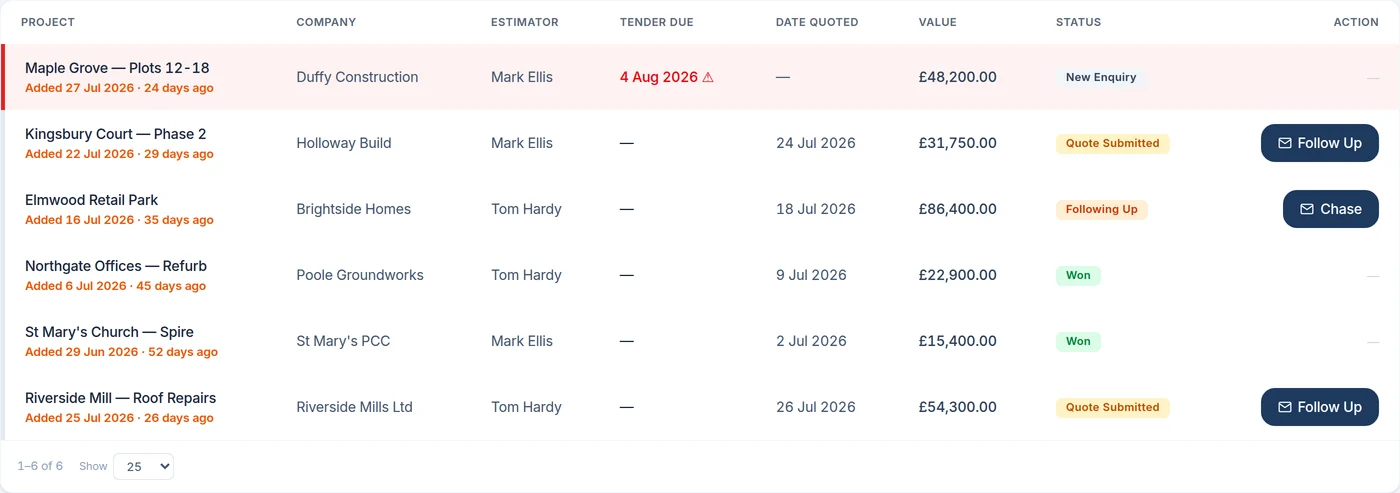
02 / THE PROPOSAL
Show what you are quoting.
Prepare the client-facing quotation. With the 3D package, show the proposed scaffold and review the counted gear behind the price.
Explore quoting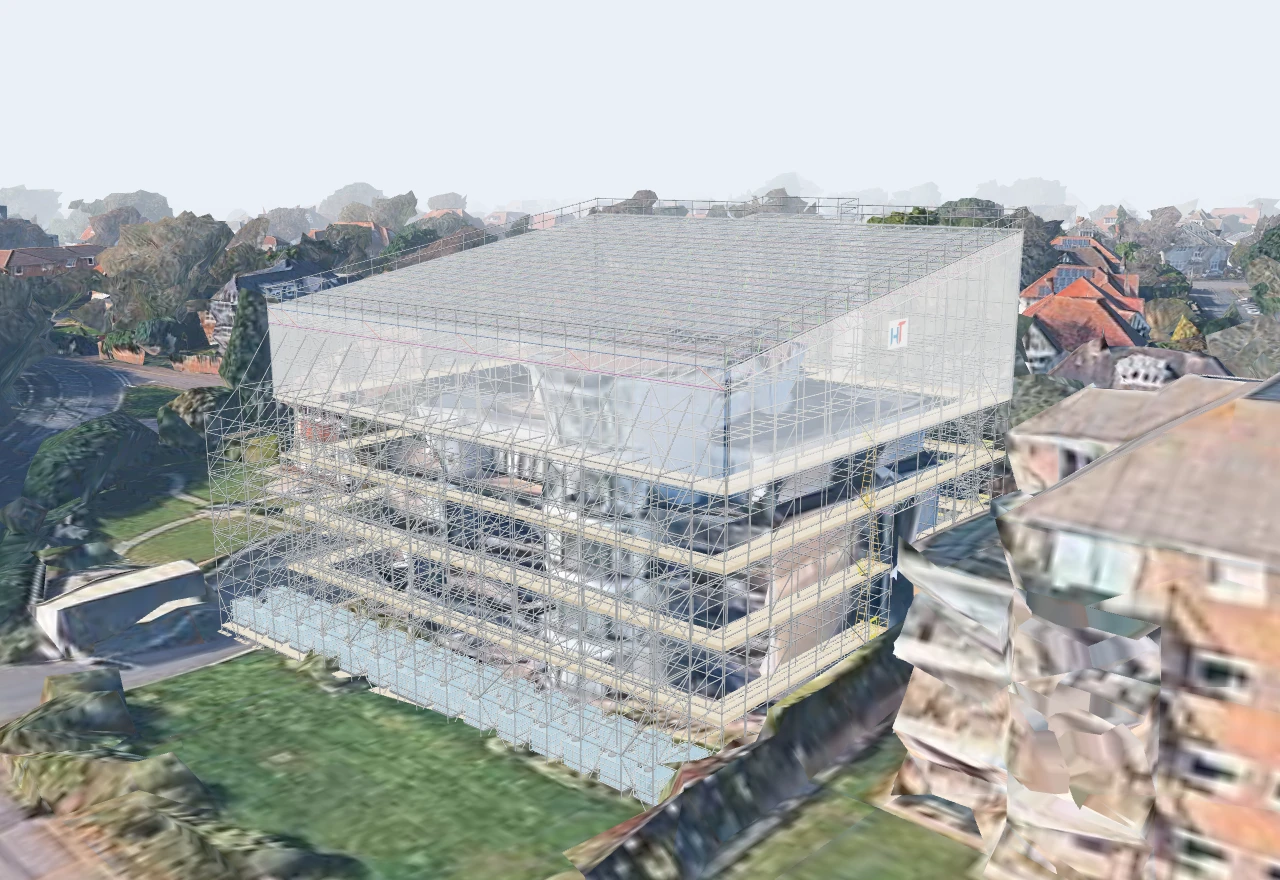
03 / OFFICE TO SITE
Give the gangs the plan.
Schedule the visits and assign the gangs. Keep erects, adaptations, dismantles and inspections visible alongside the details needed for the day.
Explore scheduling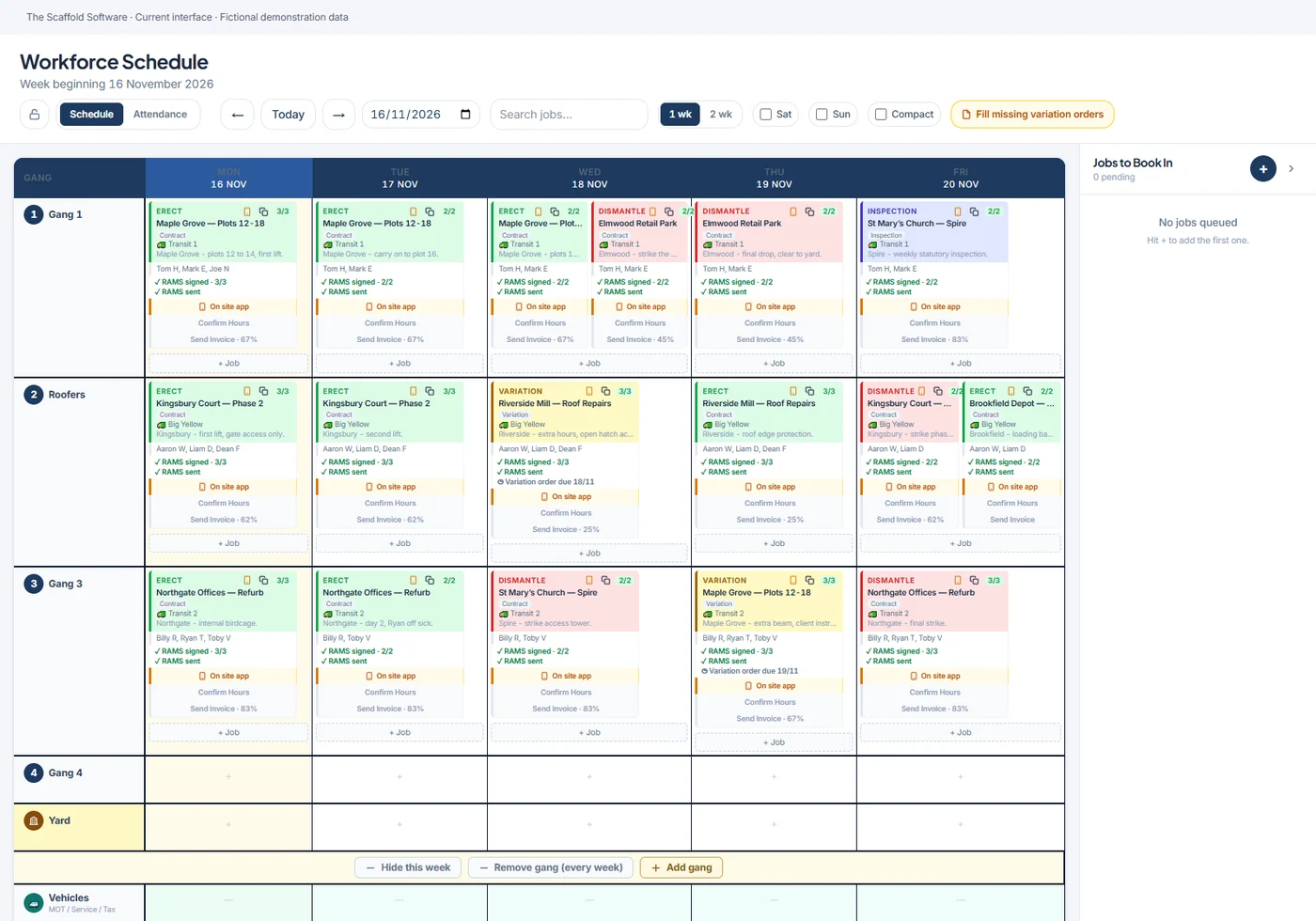
04 / SITE RECORDS
Keep the work on record.
The site team works through RAMS sign-on, tasks, handovers and inspections, and records hours and variation orders against the job.
Explore the site app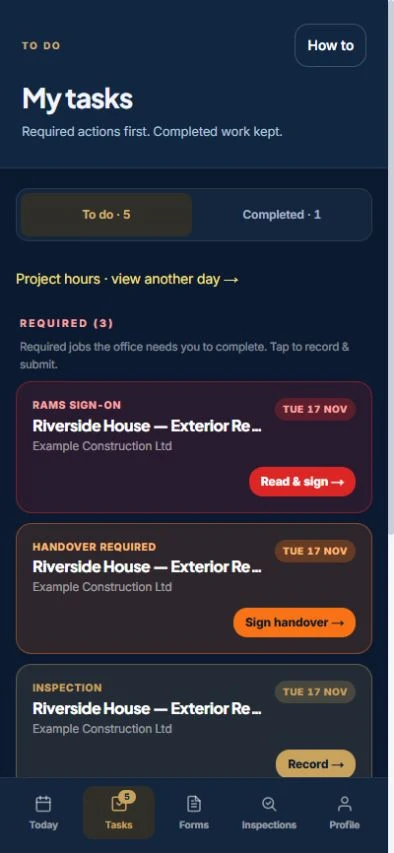
05 / HIRE & CHANGES
Review what needs claiming.
Check the original scope alongside variations, signed chargeable inspections and extra hire. Identify the records needing review before the next submission.
Explore hire tracking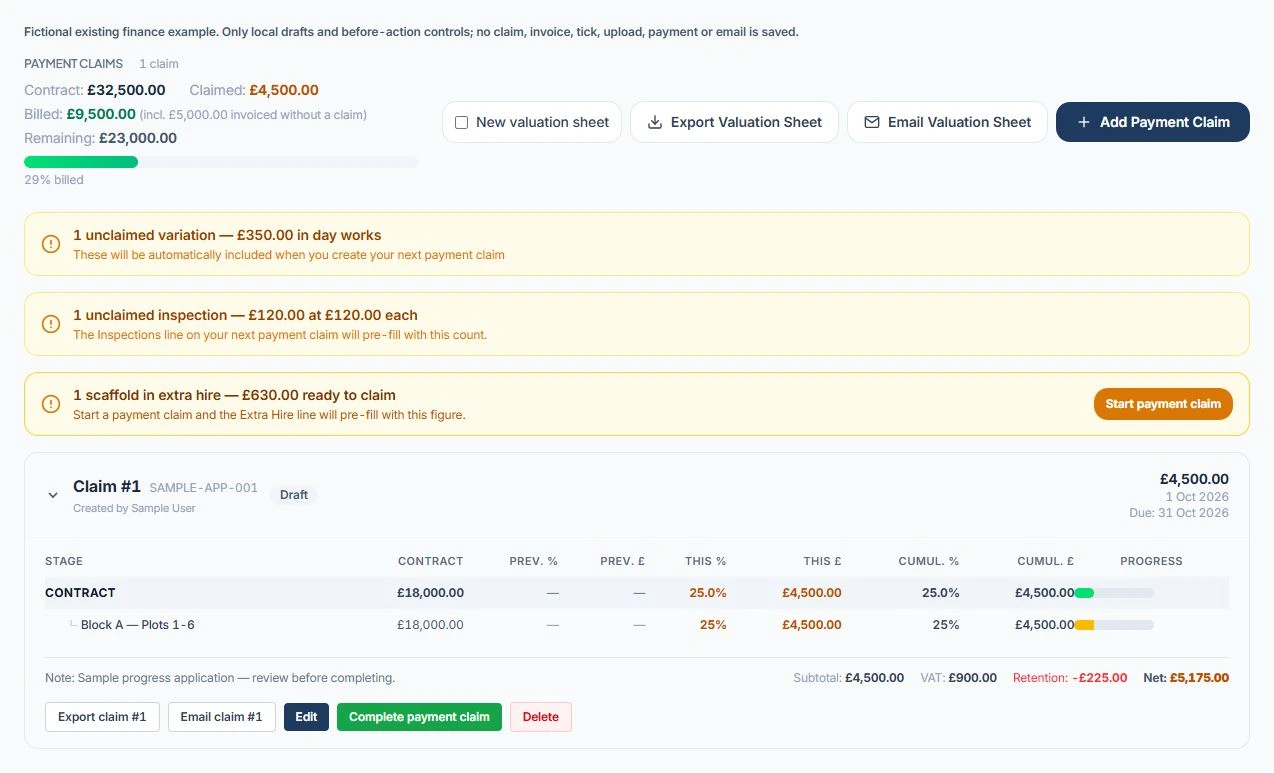
06 / INVOICE & ACCOUNTS
Carry the record into billing.
Prepare claims and invoices, then review the accounting connection for your plan. Keep quoted, claimed, invoiced and paid values distinct.
Explore claims and invoicing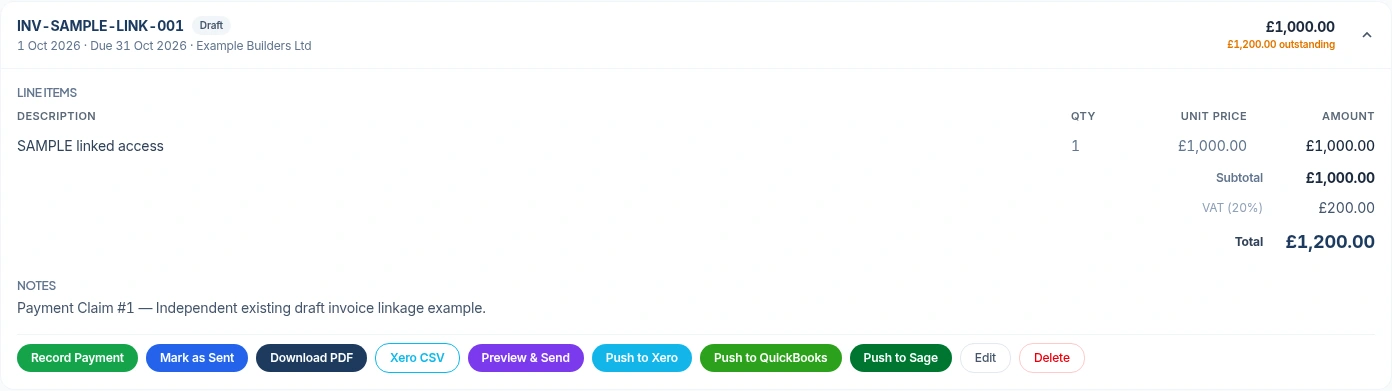
EXPLORE IN DETAIL
Choose your workflow.
Screens show product workflows, not a promise that every feature is in every plan. Compare the package scope and ask us to show your intended setup.
MICROSOFT TEAMS DEMO
See it on your next job.
Follow the workflow with our team and ask the questions that matter to your firm.